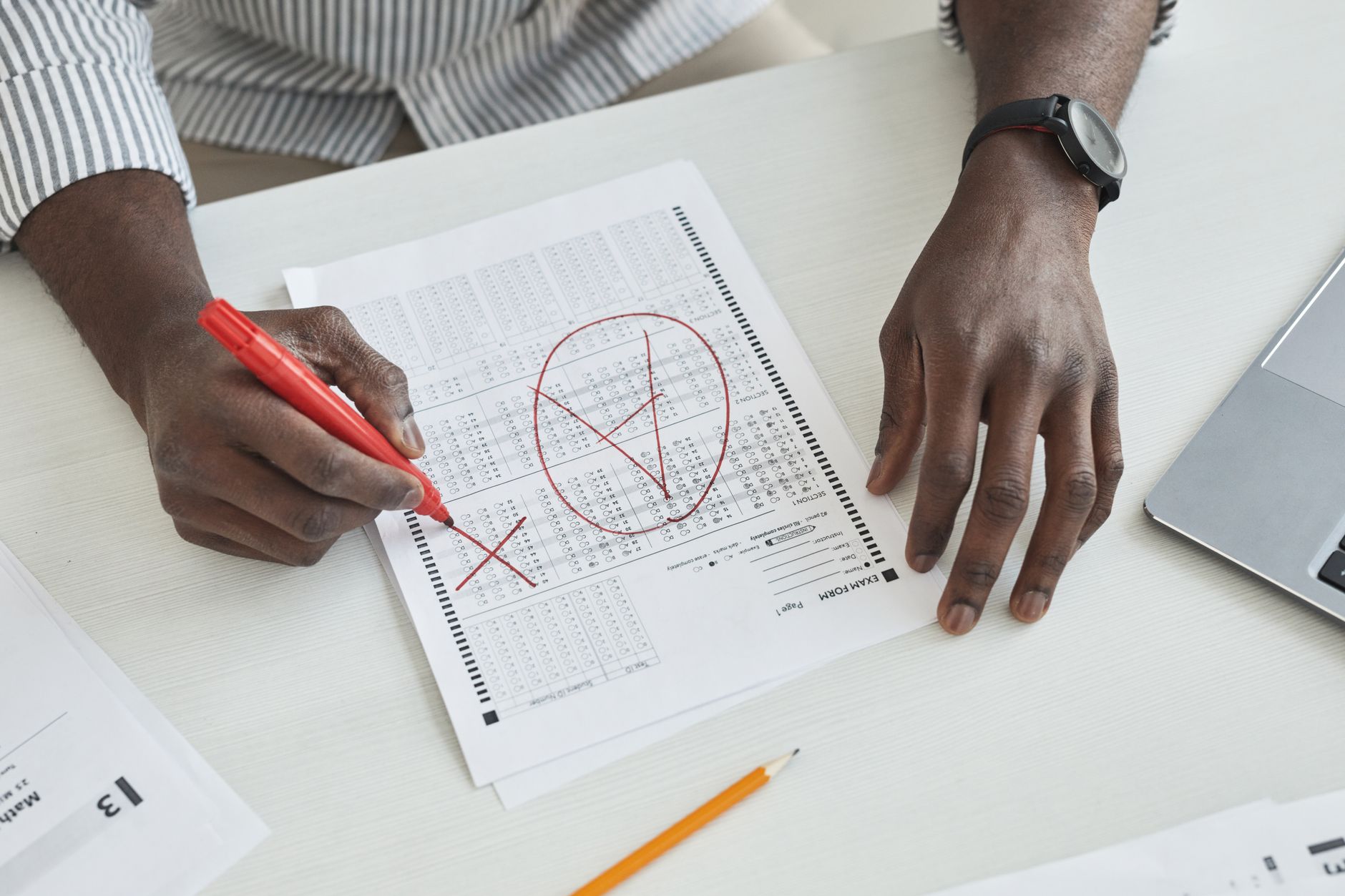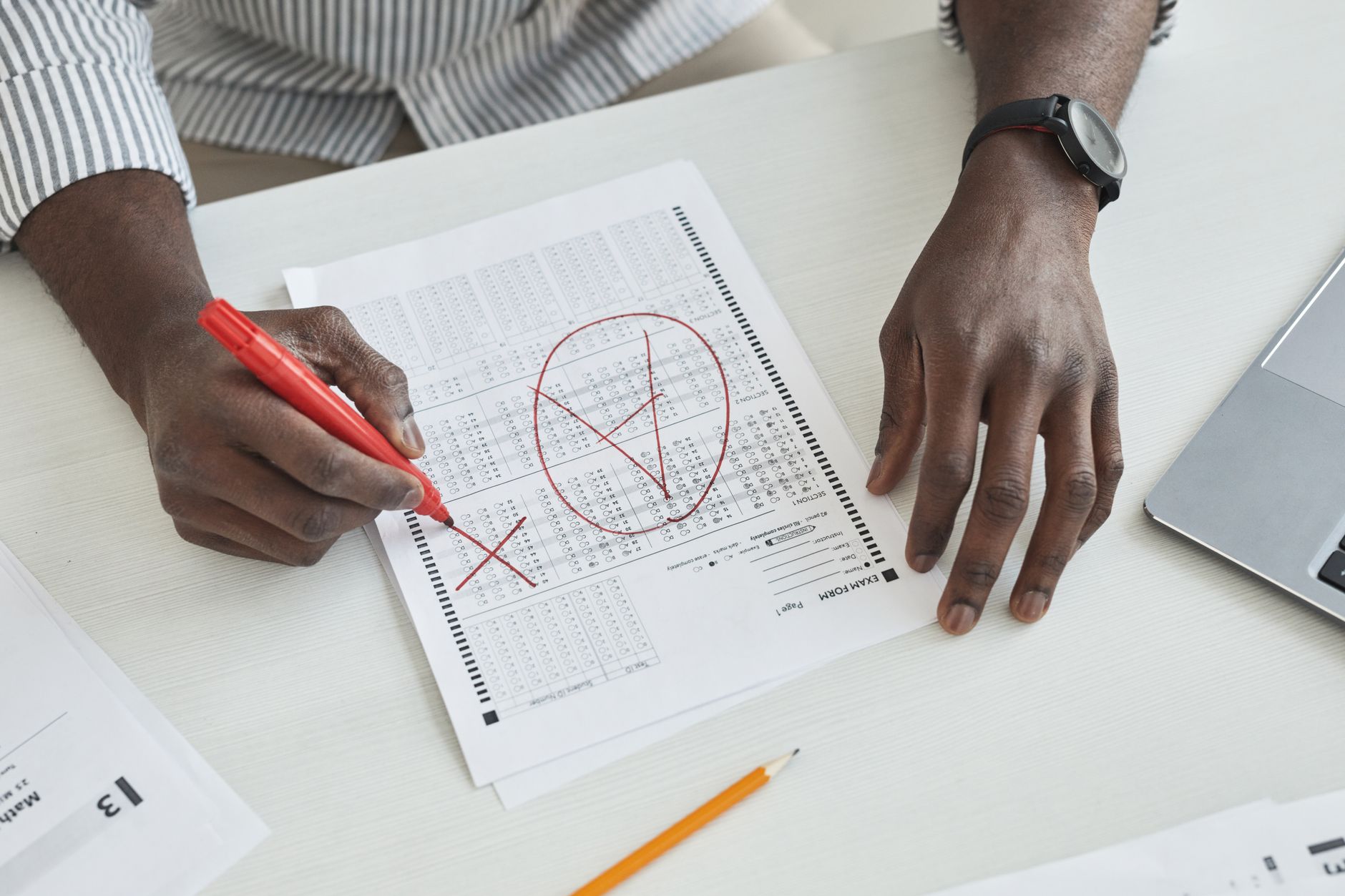
The Directorate of Higher Secondary Education (DHSE), Kerala, is releasing the Plus One examination results for the academic year 2025-26 today at 3 PM. Thousands of students across the state are eagerly awaiting their scores, which will determine their progress to the second year of higher secondary education.
The Plus One examinations, also known as the Class 11 examinations, are a crucial milestone in a student's academic journey in Kerala. These results help students assess their performance and make informed decisions about subject choices and academic focus for their final year of higher secondary education.
Where to Check Kerala Plus 1 Results
Students can access their results through multiple official channels to ensure convenience and reduce server load during peak hours. The primary platform is the official DHSE Kerala website, where results are typically published first. Additionally, the Kerala State Education Department's result portal serves as an alternative platform.
The government has also partnered with various result aggregation websites to ensure students can access their scores even if the main servers experience heavy traffic immediately after the announcement.
Step-by-Step Guide to Check Results Online
To check your Kerala Plus One results, follow these simple steps:
- Visit the official DHSE Kerala website or authorized result portal
- Look for the Plus One Result 2026 link on the homepage
- Click on the result link to open the login page
- Enter your roll number in the designated field
- Submit your date of birth or other required credentials if asked
- Click on the 'Submit' or 'View Result' button
- Your result will appear on the screen with subject-wise marks
- Download and save a copy of your result for future reference
- Take a printout for your records
Information Displayed on the Result
The digital marksheet will typically contain comprehensive details about your academic performance. Students can expect to see their name, roll number, school name, and examination center details. The result will display subject-wise marks, including theory and practical scores where applicable.
The marksheet will also indicate whether the student has passed or failed, along with the overall grade or percentage. Any grace marks awarded will be mentioned separately. Students should carefully review all details and immediately report any discrepancies to their school authorities.
What to Do After Checking Results
Students who have successfully passed their Plus One examinations can proceed with their admission to Plus Two (Class 12) in their respective schools. Those who wish to change their subject combinations should consult with their school authorities about the possibility and procedures involved.
For students who may not have achieved the desired results or have failed in one or more subjects, the DHSE typically announces supplementary examination dates shortly after the main results. These improvement examinations provide another opportunity to clear the subjects and progress to the next academic year.
Obtaining Physical Certificates
While digital results are available immediately, physical mark sheets and certificates are usually distributed through schools. Students should contact their respective institutions to know when they can collect their original documents. These physical certificates are important for future academic and professional purposes.
Schools generally organize certificate distribution ceremonies where students can collect their mark sheets along with any other relevant documents. Students should carry their hall tickets and identification proof when collecting certificates.
Alternative Ways to Check Results
If students face difficulty accessing results through the official website due to heavy traffic, they can try checking during off-peak hours or use mobile apps if available. Some schools also display results on their notice boards or send results directly to students via SMS or email if such facilities have been registered.
Students can also contact their school offices directly for result information, though this method may take longer during the initial hours after result declaration.
Important Points to Remember
Keep your hall ticket and registration details handy when checking results. Verify all personal details on the marksheet immediately after viewing results. In case of any errors in name, date of birth, or marks, contact your school principal without delay to initiate correction procedures.
Remember that the initial hours after result declaration may see heavy website traffic, so patience is advised. If the website doesn't load immediately, try refreshing after some time or use alternative portals.